What you can do on the phone
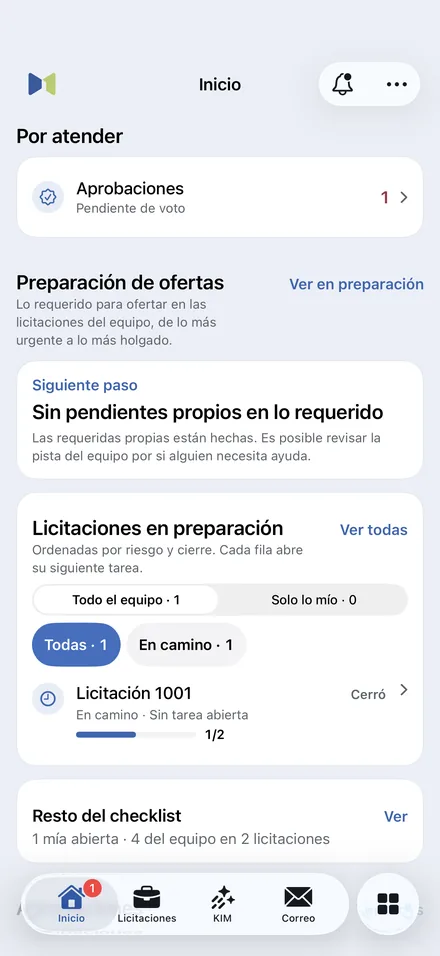
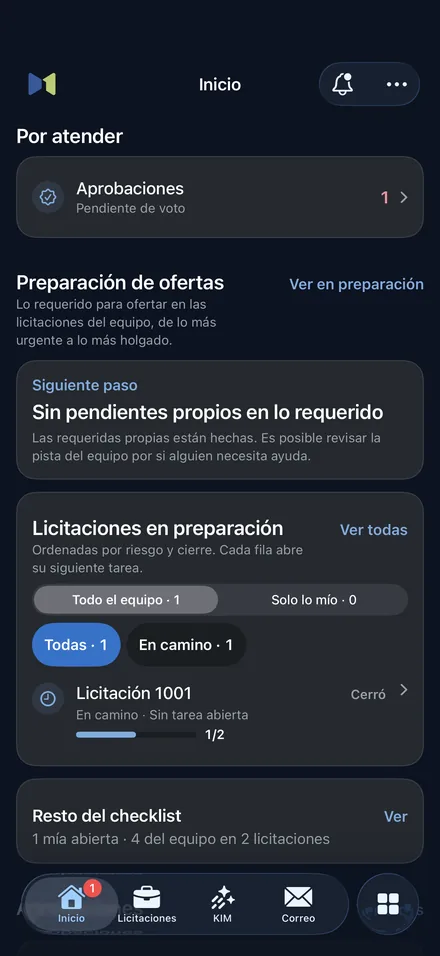
Tenders and preparation
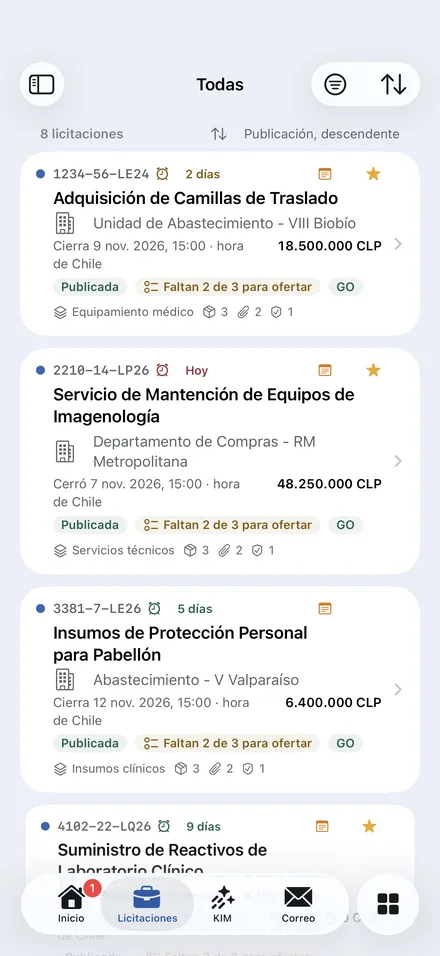
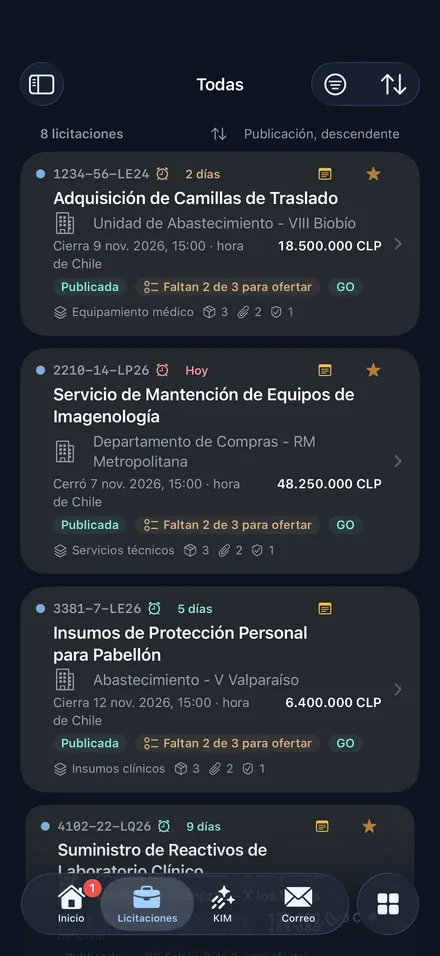
- Views, “My categories”, saved filters and search by code, name or product.
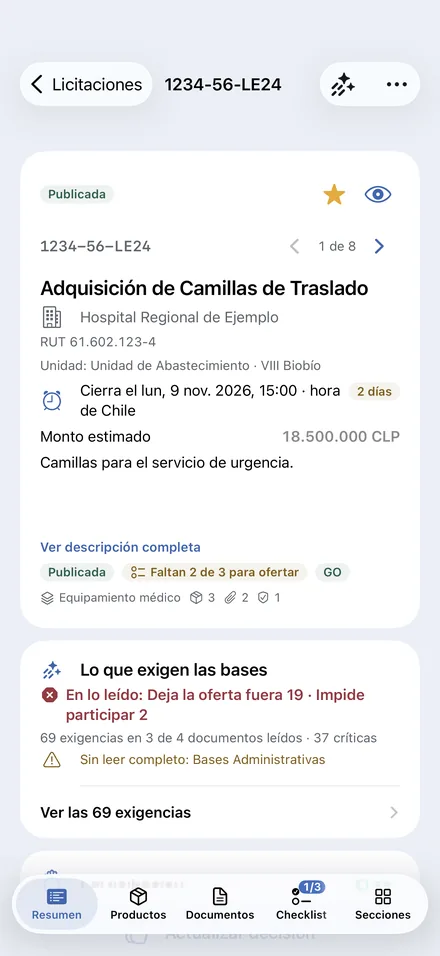
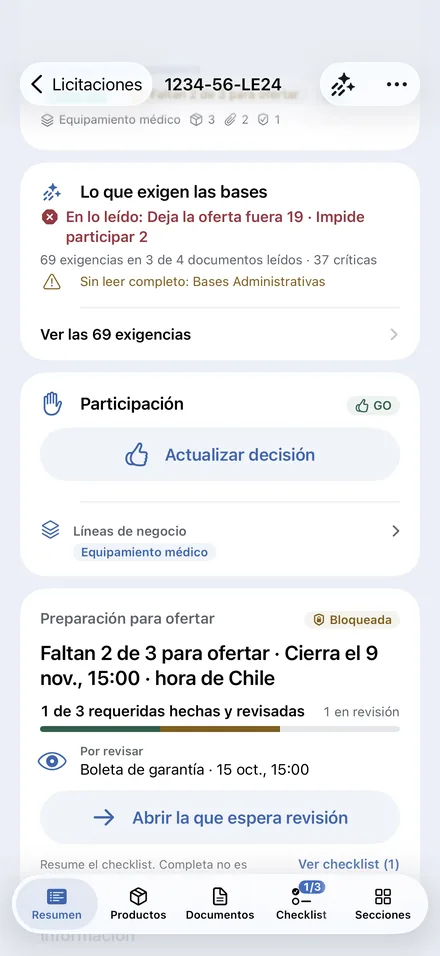
- Detail with the buying agency, the purchasing unit, products, documents, forum, checklist, dates and guarantees.
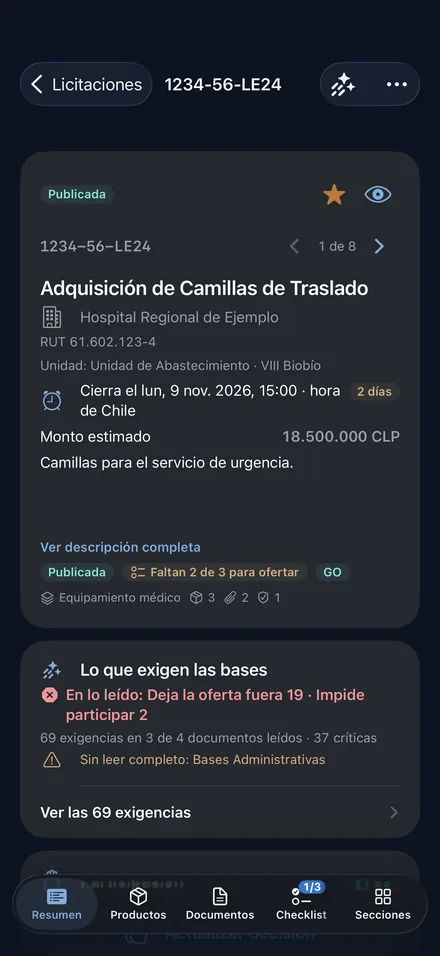
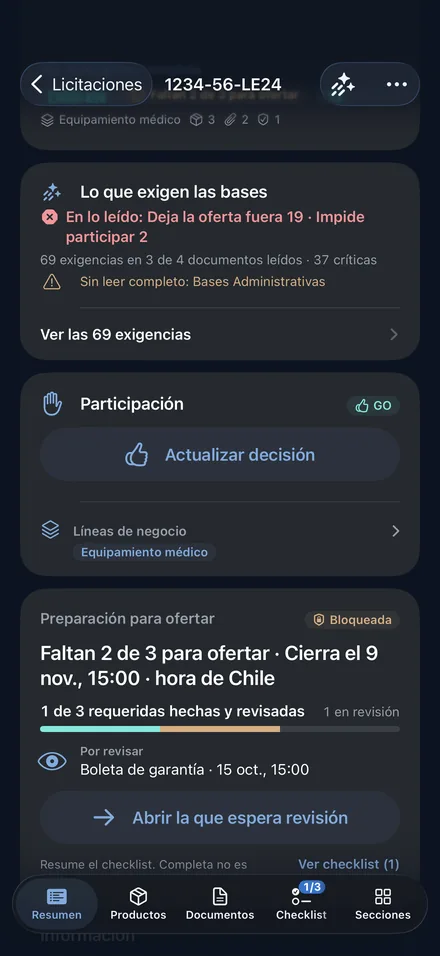
- What the terms require and what is missing to bid, with the team’s tasks.
- Share a tender with people in the company, who receive it in “Shared”.
Bids and market
- Offer lines with the CENABAST code, the monthly estimate and “Your floor”.
- “36-month trend”: the awarded price and quantity and the product’s ISP registrations.
- The companies with an ISP registration for the product that do not bid it yet.
- Profiles of the buying agency, with its “Annual plan” of purchases, and of the supplier.
KIM
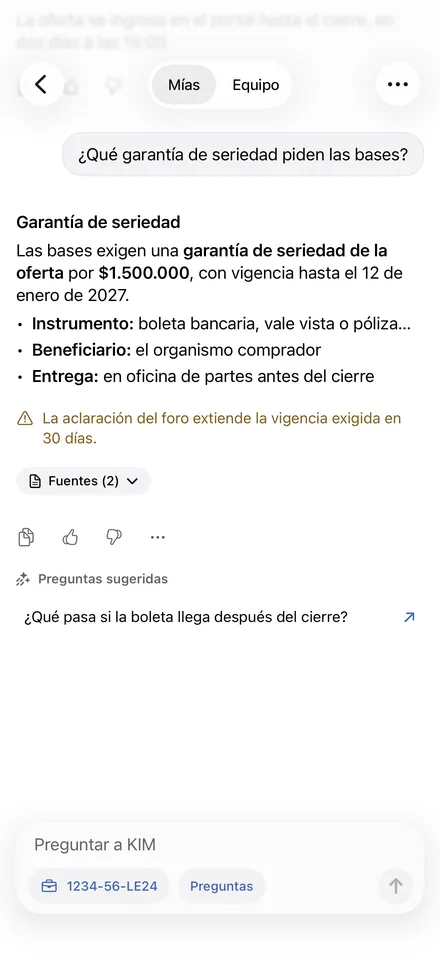
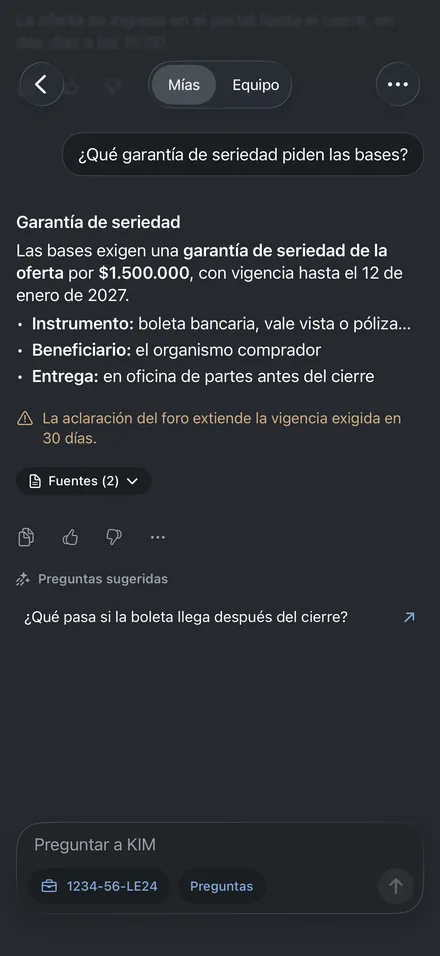
- Questions about the terms, answered with their sources.
- Voice notes with their transcription and a summary of the tender.
- Help preparing and reviewing emails. The person decides what to apply.
Team and documents
- Approvals with their deadline and document signing according to the account’s permissions.
- The company Drive, with its versions, and documents shared from other apps.
- Guarantees: photographed or scanned bonds, requests and expirations.
- Email, calendar, and the company’s Announcements and Surveys.
What is specific to each system
iPhone
- The day’s closing in the Dynamic Island and on the Lock Screen, with its countdown.
- Queries from Siri, Shortcuts and Spotlight.
- “Open in Masnet” in Safari opens the app on the matching screen.
Android
- The day’s closing in an ongoing notification with the system countdown.
- Masnet links in emails and notices open the app on the matching screen.
Security and access
Account
- Sign-in with a passkey or with a password and two-step verification.
- The session is kept in the system’s secure storage (Keychain on iPhone, Keystore on Android) and is not included in backups.
- Each person sees what their permissions and their company’s services enable, as on the computer.
Data
- The apps communicate with Masnet only over encrypted connections.
- Permission to share context with external AI providers is managed in Account › Privacy.
- The account can be deleted from the app, in Account, or by email without the app.
Requirements
To use the apps
- An iPhone with iOS 18 or later.
- An Android phone with Android 9 or later.
- A Masnet account with access to a company. The apps are free and have no in-app purchases.
On the computer
- Full preparation of bids and documents and the connection with Mercado Público through Masnet Gateway are done on the computer.
- Masnet is not affiliated with Mercado Público or ChileCompra.